Accounts Receivable Automation in 2026: How to Reduce DSO and Protect Cash Flow
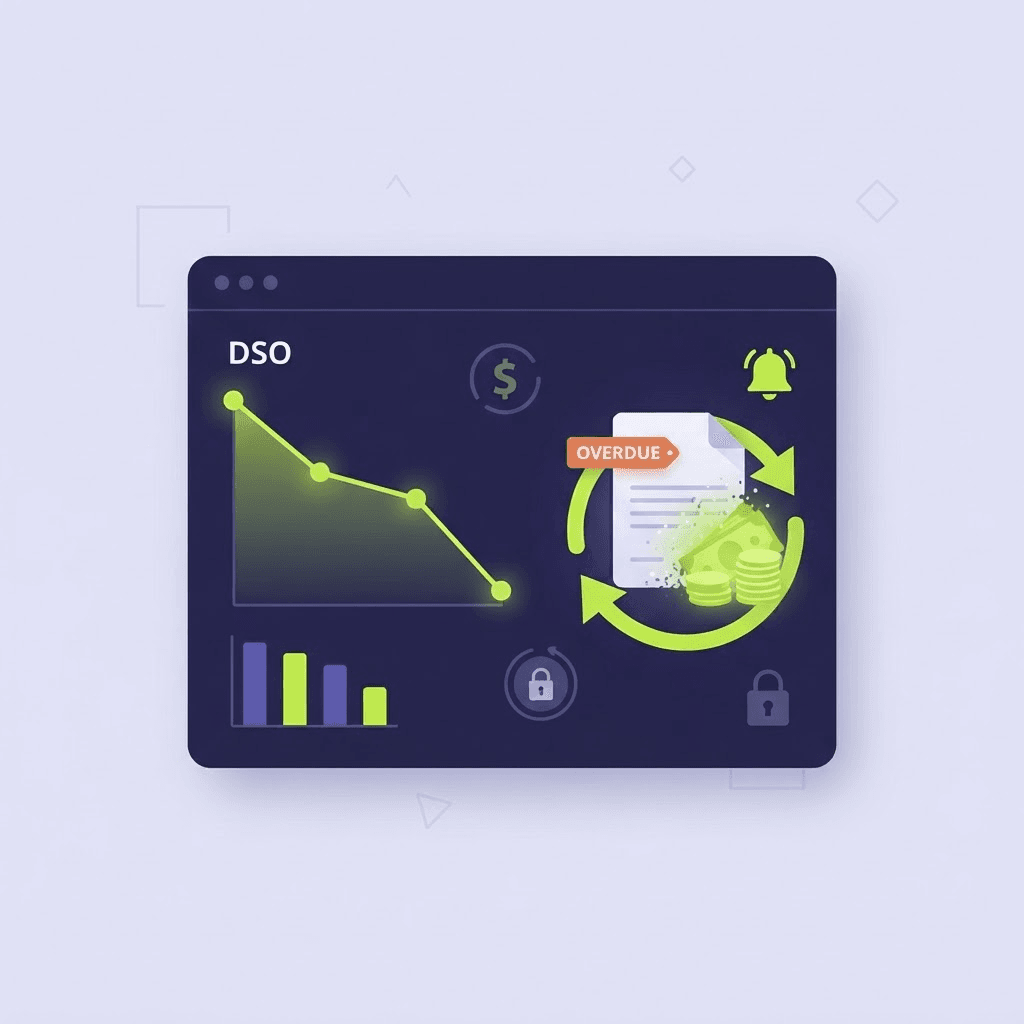
A sale is not cash. It becomes cash only when the customer pays and the funds are available to use.
That distinction matters more in 2026. The latest QuickBooks Small Business Late Payments Report found that 59% of small businesses have invoices at least 30 days overdue, up from 47% a year earlier. Businesses waiting on unpaid invoices are owed $17,700 on average, and 39% of owners said a single late payment made it harder to cover payroll or bills.
Meanwhile, the Federal Reserve held the federal funds target range at 3.5% to 3.75% in July. That benchmark is not the rate most businesses pay, but it helps set the floor beneath many forms of commercial borrowing. When a company must use a credit line, card, or short-term loan while its own revenue remains trapped in accounts receivable, slow payment creates a financing expense on top of an administrative problem.
This is why accounts receivable automation should be evaluated as a working-capital strategy—not simply as a faster way to send reminders.
What accounts receivable automation actually does
Accounts receivable automation uses data, business rules, and connected communication channels to move an account from invoice to payment with less manual effort.
A complete system can:
- Identify which balances are due, approaching their due date, or past due
- Send scheduled, personalized reminders by phone, text, email, or chat
- Give the customer immediate access to accurate balance and account information
- Offer a secure path to pay by card or ACH
- Present payment-plan options that follow the organization's approved rules
- Record promises to pay and trigger the appropriate follow-up
- Transfer exceptions or disputes to a live employee with the account context intact
- Return payment information to the billing system through a remittance file or API
- Report which channels, messages, and schedules produce the best results
Basic reminder software sends the same message to everyone. True accounts receivable automation uses current account data to determine what the customer sees, which options are available, and what happens next. That is the same data-driven approach described in ACM's guide to personalized payment conversations.
The cash-flow problem hidden inside DSO
Days sales outstanding, or DSO, estimates how long it takes a company to collect revenue after a sale. A common simplified formula is:
DSO = Accounts receivable ÷ Credit sales × Number of days in the period
DSO is not perfect. Seasonal sales, billing disputes, payment terms, and a few large accounts can distort it. But tracked consistently, it gives finance leaders a useful view of how much working capital is tied up in receivables.
The reverse calculation shows what an improvement can release:
Cash released = Annual credit sales ÷ 365 × Days of DSO reduced
Consider a company with $5 million in annual credit sales. Its average daily credit sales are approximately $13,699. Reducing DSO by 15 days would release about $205,479 in working capital.
That is not new revenue. It is the company's existing revenue arriving sooner—where it can fund payroll, inventory, technology, hiring, or expansion instead of sitting on the aging report.
If the business would otherwise borrow that $205,479 at a hypothetical 9% annual rate, the financing cost is more than $18,000 per year. The actual benefit depends on the company's borrowing rate, collection pattern, margins, and use of cash, but the principle is straightforward: every avoidable day in receivables has a cost.
Why the finance environment makes payment speed more valuable
Three current facts make the timing of collections especially important.
1. Overdue invoices are becoming more common
QuickBooks reported that the share of small businesses with invoices 30 or more days overdue increased 12 percentage points in one year. It also found that 51% of businesses with overdue invoices viewed cash flow as a problem, compared with 36% of businesses without them.
Late payments also spread. Fifty-three percent of businesses with overdue invoices said outside pressures delayed payments they owed to their own suppliers, contractors, vendors, or creditors. Slow money in becomes slow money out.
2. Bridge financing is not cheap
The Federal Reserve's July rate decision kept the policy rate well above the near-zero levels businesses once treated as normal. Reuters reported that long-term Treasury yields rose after the meeting and that markets continued to see the possibility of additional tightening.
The practical point is not to forecast interest rates. It is to avoid financing a preventable receivables delay. A business that improves collections becomes less dependent on whatever banks and markets decide next.
3. Customers remain financially selective
The Bureau of Labor Statistics reported that real average hourly earnings increased only 0.1% from June 2025 to June 2026. That does not mean customers are unable or unwilling to pay. It does suggest that many households have little additional inflation-adjusted purchasing power.
For billing teams, the implication is practical: make the account easy to understand, make the payment easy to complete, and make approved payment arrangements available before a manageable balance becomes a serious delinquency.
How accounts receivable automation reduces DSO
Automation improves DSO by removing delays at several points in the payment cycle.
Contact customers before the due date
A short reminder several days before an invoice is due can prevent an account from becoming delinquent at all. The message should identify the business, provide enough context to be trusted, and lead directly to a secure payment option.
This is more effective than waiting until day 31 to begin collection activity. It also preserves the tone of customer service rather than escalation.
Use more than one communication channel
Email alone is easy to overlook. Phone calls can arrive at the wrong time. Text messages get attention, but some customers prefer to hear their account information or ask a question.
An effective workflow coordinates channels instead of making them compete. A customer might receive a branded text with a secure payment link, request a callback, and complete payment through an automated voice conversation. ACM explains this connected experience in its guide to branded Pay-by-Text and IVR callback.
Communication rules should reflect consent, customer preference, account type, jurisdiction, and the organization's compliance requirements.
Answer the question that is blocking payment
Many unpaid balances are not caused by refusal. The customer may not recognize the charge, understand the remaining balance, know whether a recent payment posted, or remember where to find the invoice.
Automation that merely repeats "pay now" cannot solve those problems. A data-connected IVR, chatbot, or digital agent can provide account-specific information in the moment, then present the appropriate payment path.
Offer controlled flexibility
When payment in full is not realistic, a policy-based payment plan can produce more cash than another demand for the full balance. The system should enforce the organization's rules for eligibility, minimum payment, term length, payment frequency, and default handling.
The key word is controlled. Automation should not improvise financial terms or offer discounts without authority. It should consistently apply the options the business has already approved.
Let customers pay when they are ready
A willingness to pay at 9:30 p.m. can disappear by the next morning. Modern IVR payment processing, secure web payment, text, and chatbot channels allow the customer to act at the moment of intent—even outside normal business hours.
Close the loop with the billing system
Payment acceptance is only half the workflow. The account must also be updated quickly enough to stop unnecessary reminders, prevent duplicate work, and give employees an accurate view of the balance.
Daily remittance files can support reliable batch posting. APIs can support real-time or near-real-time updates where the billing environment permits them. The right model depends on the client's systems and operational requirements; what matters is that payment data does not end in a disconnected dashboard.
A practical 30-day AR automation plan
Organizations do not need to automate every account and every channel at once. A controlled pilot can establish a baseline and prove the financial case.
Week 1: Establish the baseline
Measure current DSO, aging by bucket, percentage of invoices past due, self-service payment rate, call volume, average staff time per payment, promises kept, and collection cost per dollar.
Separate genuine payment delay from disputes, data errors, unapplied cash, and contractual terms. Automation will not fix an incorrect invoice.
Week 2: Map customers and rules
Define which accounts should receive outreach, when contact begins, which channels can be used, what information can be disclosed after authentication, and which payment plans may be offered.
Identify exceptions that require immediate human review, such as disputes, hardship requests, fraud concerns, bankruptcy notices, or unusual account conditions.
Week 3: Launch one high-value workflow
Begin with a clearly defined segment—for example, balances approaching their due date or accounts 1–30 days past due. Use accurate account data, a trusted sender identity, a clear call to action, a secure payment process, and an obvious way to reach a person.
Week 4: Measure and adjust
Compare the pilot group with the baseline. Did payment arrive sooner? Which channel produced completed payments rather than clicks or contacts? How many interactions were resolved without staff? How many required transfer? Did disputes surface sooner?
Scale only after the results show that the workflow improves both cash flow and customer experience.
Metrics that matter more than message volume
Sending more reminders is not the goal. Collecting sooner, at lower cost and with less customer friction, is the goal.
Track:
- Days sales outstanding: Is the average collection period falling?
- Aging migration: Are fewer accounts moving from current to 30, 60, and 90 days past due?
- Time to payment after contact: Which channel shortens the payment cycle?
- Self-service completion rate: How many customers finish without an employee?
- Promise-to-pay kept rate: Do arrangements turn into completed payments?
- Cost per dollar collected: Are automation and staff resources being used efficiently?
- Right-party and authentication rate: Are customers able to access the correct account securely?
- Transfer reason: Which questions or exceptions still need a live employee?
- Customer abandonment: Where do customers stop before completing payment?
These measurements show whether accounts receivable automation is improving working capital or simply creating more activity.
The role of people in an automated AR process
Automation is best at consistent, repeatable work: reminders, authentication, balance information, payment capture, approved plans, confirmations, and reporting.
People remain essential for disputes, hardship conversations, complex billing questions, exceptions, and decisions that require judgment. The objective is not to trap every customer in a system. It is to resolve routine work immediately and route the remaining cases to the right employee with the relevant context already available.
That division of labor is what allows a finance or billing team to handle more volume without adding the same amount of staff.
Turn receivables into working capital
The most important number on an aging report is not the total amount owed. It is how quickly that amount can become usable cash without damaging the customer relationship or adding unnecessary cost.
Accounts receivable automation helps organizations contact customers earlier, answer the questions that delay payment, offer approved ways to resolve a balance, accept secure payments 24/7, and measure what actually improves results.
Advanced Cash Management connects client account data to intelligent IVR, voice, chatbot, text, and payment workflows. ACM works with existing billing systems and payment processors to create a customized, first-party experience that can improve cash flow while reducing repetitive staff work.
Ready to identify where cash is getting stuck in your payment process? Schedule a discovery call → or call (866) 240-2160.
Frequently asked questions
What is accounts receivable automation? Accounts receivable automation uses account data, business rules, scheduled communications, secure payment channels, system integrations, and reporting to move invoices from billing to payment with less manual work. More advanced systems can answer account questions, offer approved payment plans, accept payments around the clock, and transfer exceptions to employees.
How does accounts receivable automation reduce DSO? It reduces avoidable delays by contacting customers earlier, presenting accurate account information, offering immediate self-service payment, following up consistently, and returning payment data to the billing system. The result can be fewer accounts aging into later delinquency buckets and faster conversion of receivables into usable cash.
What is a good DSO? There is no universal target. A good DSO depends on the organization's payment terms, industry, customer mix, seasonality, and billing model. A company offering net-60 terms should not be judged against one requiring payment immediately. The most useful comparison is the company's actual DSO against its agreed terms, historical performance, and relevant industry peers.
Does AR automation replace collection staff? It usually changes where staff time is spent. Routine balance inquiries, reminders, payment transactions, and confirmations can move to automation, while employees focus on disputes, hardship cases, exceptions, and higher-value conversations.
Can customers still speak with a person? They should be able to. A well-designed process transfers a customer when requested, after repeated errors, or when the issue falls outside the system's authority. Where integrations permit it, the account and conversation context should transfer with the customer.
Is automated payment collection secure? It can be when designed correctly. Card information should be captured in a PCI DSS compliant payment environment, access to account information should require appropriate authentication, and data should be encrypted in transit and at rest. Telephone, text, healthcare, and collection programs may also be subject to federal and state consent, privacy, disclosure, and contact rules.
This article provides general business and financial information and is not legal, accounting, investment, or compliance advice. Calculations are illustrative. Results depend on account quality, customer behavior, payment terms, data accuracy, integrations, industry, and implementation. Consult qualified professionals regarding your organization's specific requirements.